Meeting room AV is the display, camera, microphones, speakers and control that let people present and join video calls in one touch. Installed, a huddle room typically costs £3,000 to £8,000, a meeting room £8,000 to £20,000 and a boardroom £25,000 to £60,000+.
Service led by David Corker, Technical Sales Director
Last reviewed
Transform Your Meeting Room Experience
A modern necessity for any work environment, our meeting & board room AV inspires more impactful & productive experiences in formal management meetings & spontaneous get-togethers.
Transform your meeting room technology with our reliable, user-friendly and cost-effective AV solutions. Provide a reliable and consistent user experience that increases adoption and usage.
From the floor
What makes a hybrid room actually work is not the camera or the screens. It is the microphone coverage and the room acoustics, and those are the two line items every value engineering exercise tries to cut. If you remove the ceiling mic array to save money, the remote attendees end up listening to a room they can't hear into, and the whole investment fails on the first call.
We integrate seamlessly with leading collaboration platforms
DESIGN YOUR PERFECTMEETING ROOM
Use our interactive configurator to build your ideal meeting room setup in minutes. Select your room type, size, and purpose to see tailored AV recommendations — from displays and microphones to control and connectivity.
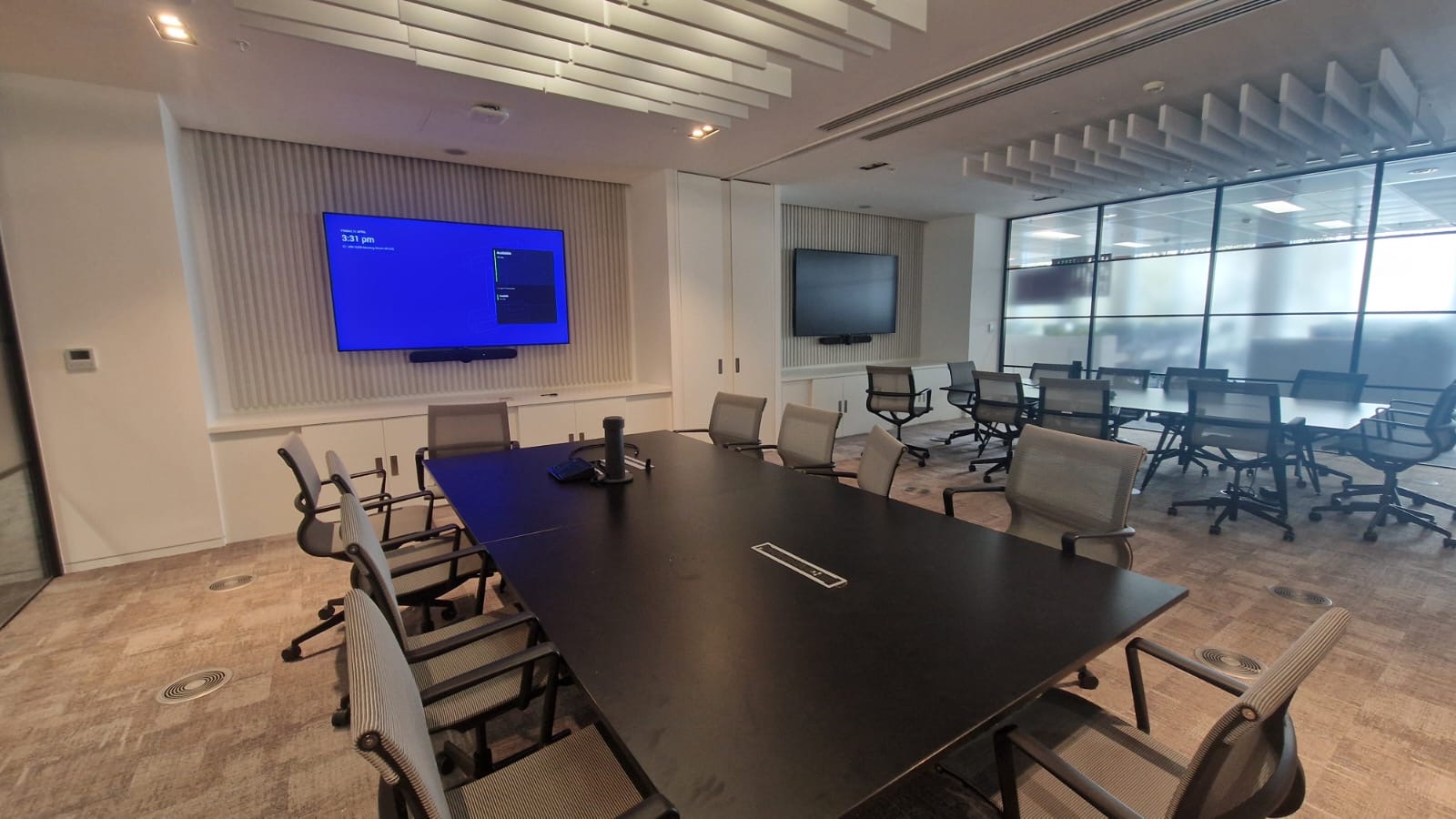
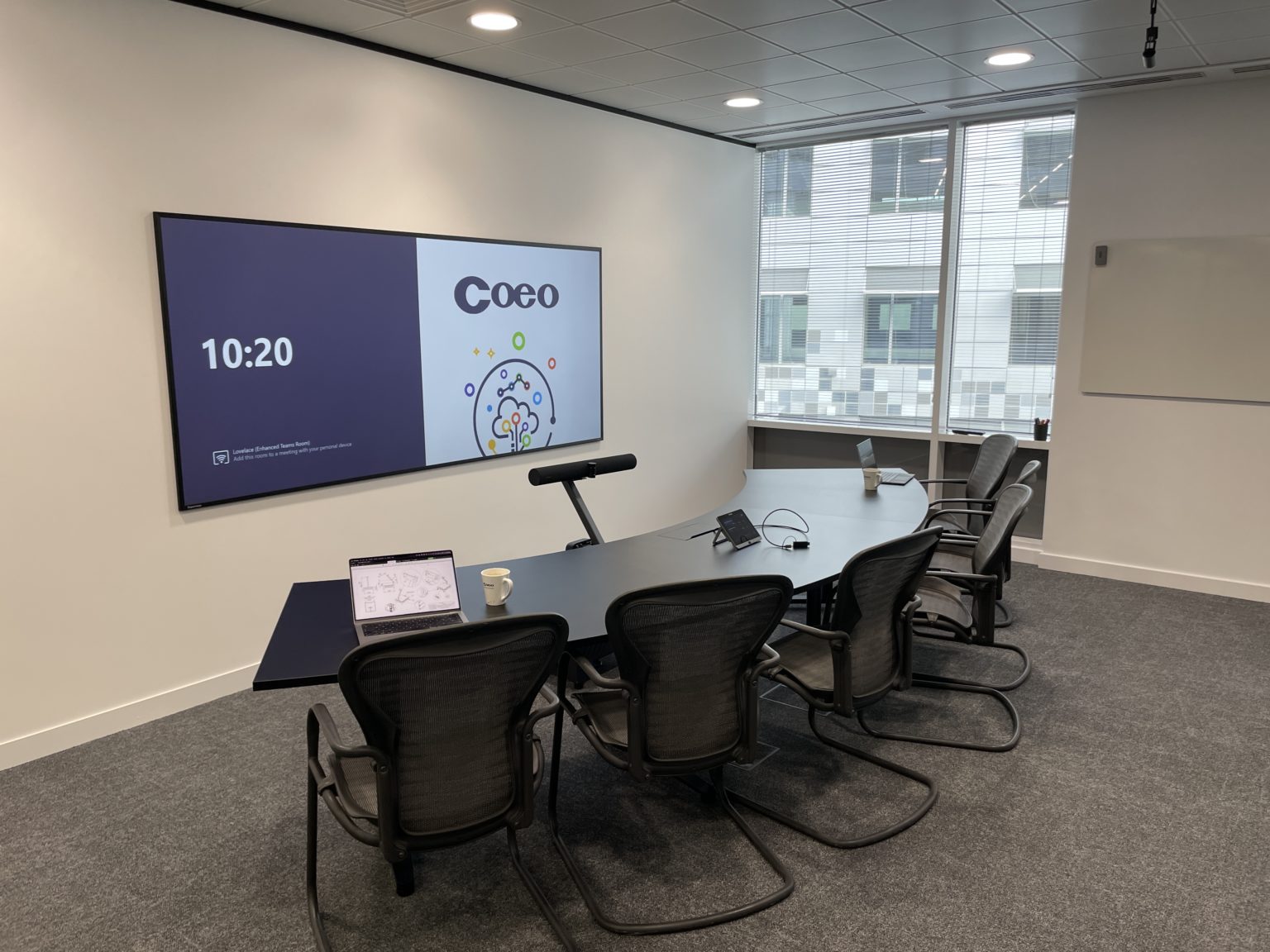
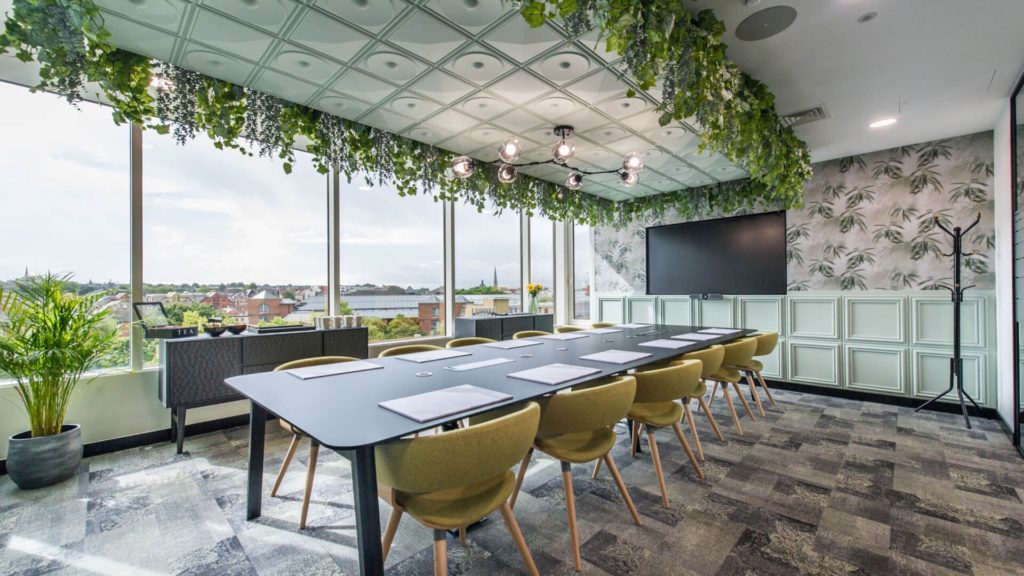
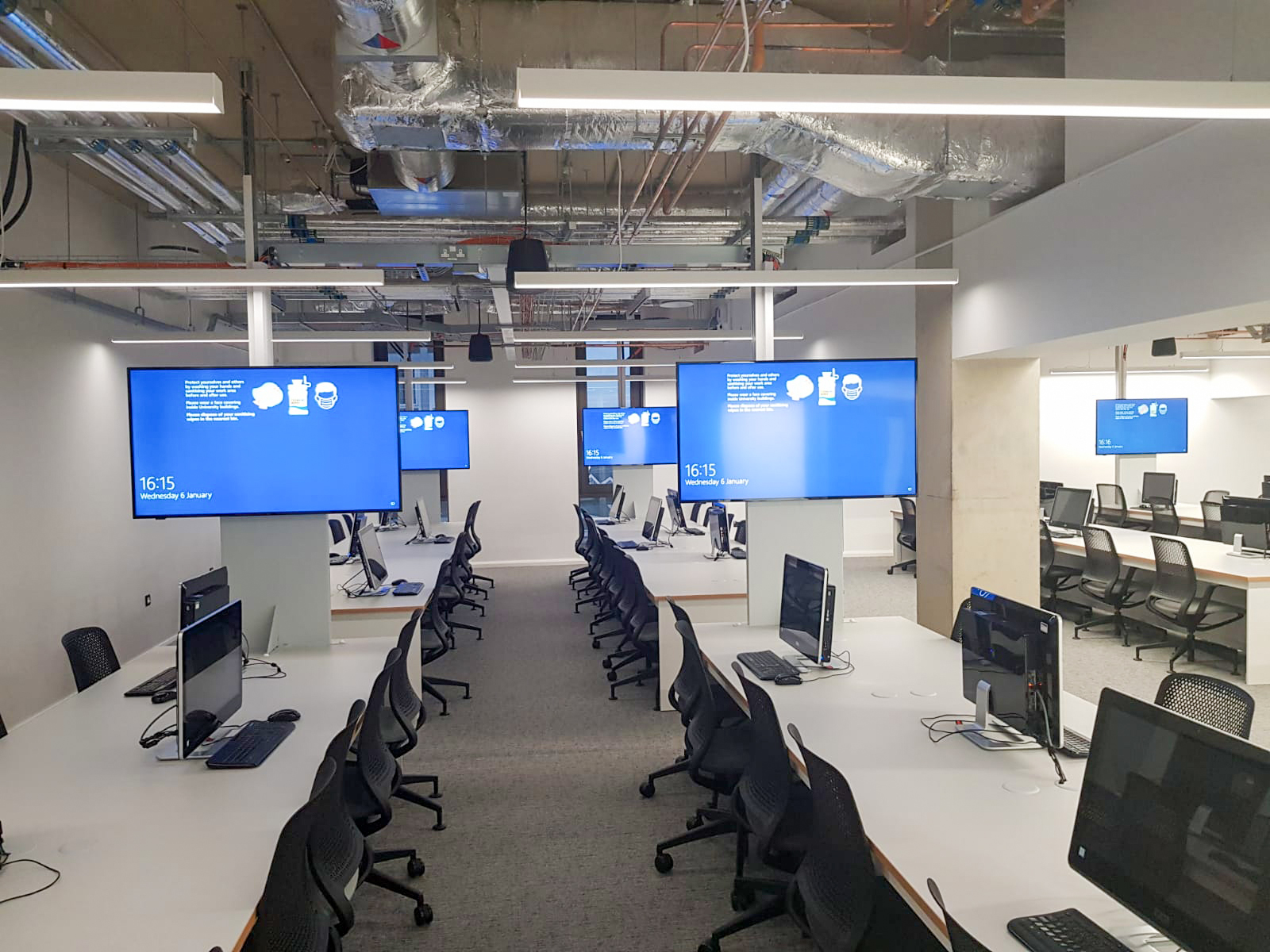
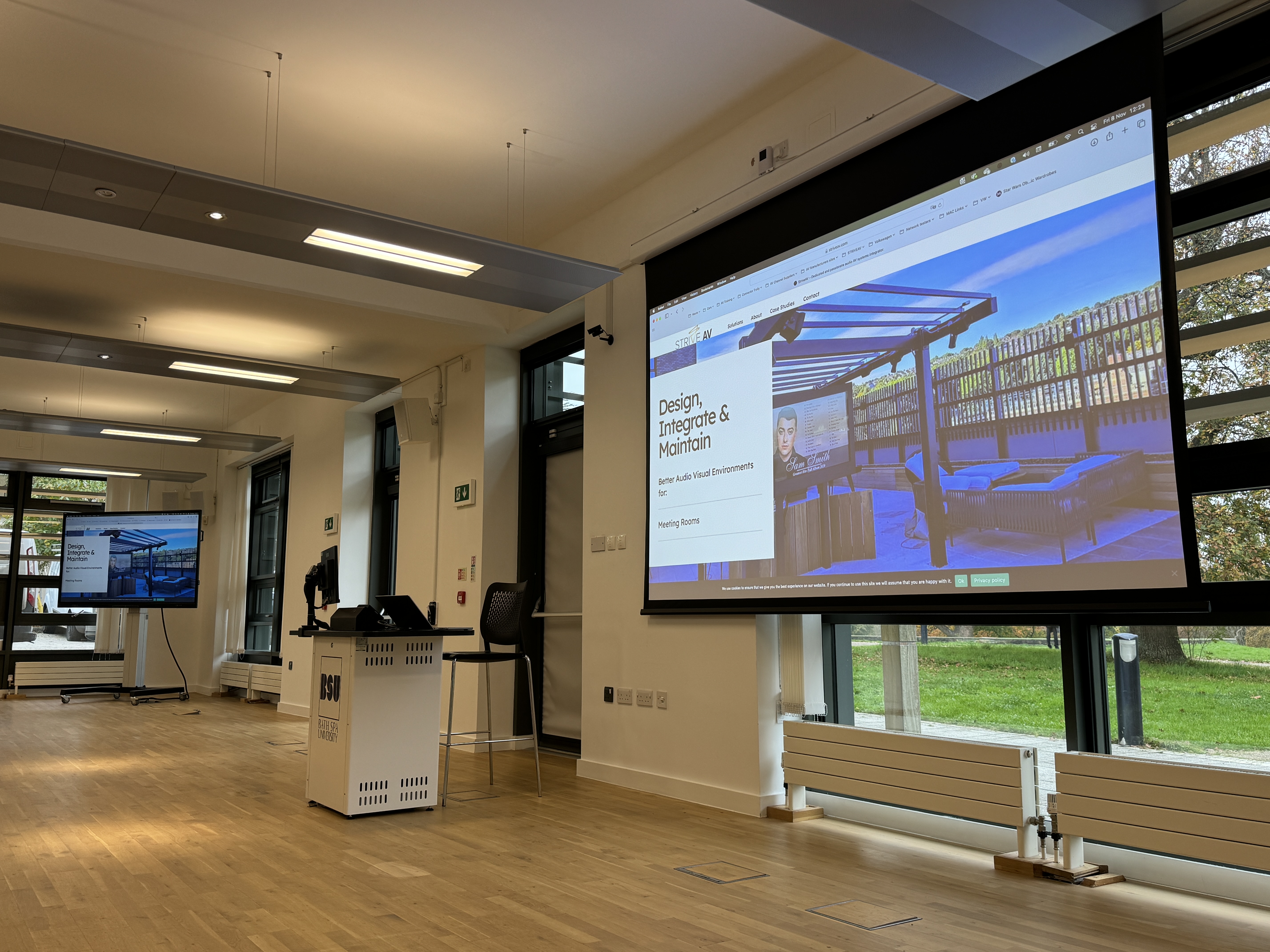
A selection of recent meeting room AV installations delivered by Strive AV — from premier Microsoft Teams Rooms to flexible serviced workspaces and university boardrooms.
Meeting room AV pricing in the UK varies with the size of the space, the number of rooms, and the platforms you need to support. As a rough guide, a single huddle room or small meeting room typically lands at £3,000 to £8,000 fully installed; a mid-size meeting room with a Microsoft Teams Room or Zoom Room build is more like £8,000 to £20,000; and a Microsoft Signature Teams Room or executive boardroom can reach £25,000 to £60,000+ with high-end audio, dual-display and bespoke joinery.
Four factors drive most of the variance:
Room size & layout
A 4-person huddle room needs a single screen, a soundbar and a small touch panel. A 16-person boardroom needs a dual-display front of room, ceiling microphones, an in-room PTZ camera, and acoustic treatment. The bigger the space, the more sensors and the more careful the audio design has to be.
Platform & certification
A native Microsoft Teams Room or Zoom Room needs certified hardware (Logitech, Poly, Yealink, Crestron) to qualify. Bring-your-own-device (BYOD) rooms are cheaper because they reuse the user's laptop, but offer a less consistent experience.
Audio & control complexity
Audio is where most meeting room AV projects live or die. A ceiling microphone array with DSP for a 12-seat boardroom can cost more than the displays. Centralised room control (Crestron or Extron) adds reliability but adds licence and programming costs.
Integration with booking & identity
Tying meeting room AV into your room booking system (Outlook, Google Workspace, GoBright, Robin) and corporate SSO is straightforward but takes deployment time. Multi-room rollouts benefit hugely here: set it up once and replicate.
Most meeting room AV projects need a free site survey before we can give a meaningful quote. We'll measure the room, understand how your teams actually use it, and come back with a transparent breakdown (hardware, installation, programming, support) with no hidden extras.
Hardware only, ex VAT. The installed guide is our typical range for that room type, covering mounts, cabling, configuration, Microsoft 365 enrolment and training. Teams Rooms licensing (Basic free for up to 25 rooms, Pro around £36 per room per month) is extra. Hardware prices move, so your site survey quote is the fixed price.
Choosing a meeting room AV installer: what good looks like
Most failed meeting rooms were specified from a floor plan and a price list. Hold every bidder to these standards:
A site survey before the quote. Room size, back-row distance, acoustics, power and network points checked in person, because they decide which camera, microphones and display will work.
Platform advice, not a platform sale. A clear recommendation on Teams Rooms, Zoom Rooms or bring-your-own-device based on how your people meet, with certified hardware for whichever you choose.
Audio designed, not guessed. Microphone coverage and echo cancellation planned for the actual room, with acoustic treatment recommended where it is needed.
One-touch simplicity. Rooms that start a meeting or share a screen with one tap, labelled and tested with the people who will use them.
Information security taken seriously. ISO 27001 certification and a clear plan with your IT team for accounts, firmware and network access.
A written support SLA. Remote monitoring and an on-site response time for critical faults (4 hours is a sensible bar) in the contract.
How much does a meeting room AV system cost in the UK?
UK meeting room AV pricing scales with room size, platform certification and audio complexity. As a guide, a small huddle room is typically £3,000–£8,000 fully installed; a mid-size Microsoft Teams Room or Zoom Room build with ceiling mics, certified camera and a single display sits at £8,000–£20,000; and a Microsoft Signature Teams Room or executive boardroom with dual displays, DSP audio, room control and joinery can reach £25,000–£60,000+. We always provide a fixed-price quote after a free site survey.
Q.
Do you install Microsoft Teams Rooms, Zoom Rooms and Google Meet hardware?
Yes — Strive AV is platform-agnostic. We design and install native Microsoft Teams Rooms (Logitech, Poly, Yealink, Crestron Flex, Neat), Zoom Rooms (same certified ecosystem), Google Meet hardware and Cisco Webex rooms. We also build BYOD/bring-your-own-device rooms for organisations that don't want to commit to one platform, using USB-bridged Logitech or Poly bars.
Q.
What's the difference between a huddle room, a meeting room and a boardroom?
Huddle rooms are 2–6 person spaces designed for short, ad-hoc calls — usually one display, a video bar and a touch panel. Meeting rooms typically seat 6–14 and need a single or dual display, ceiling or table microphones, a PTZ camera and basic control. Boardrooms seat 12–20+, need dual-display front of room, DSP-driven ceiling microphone arrays, professional audio, programmable Crestron/Extron control and integrated lighting/blinds.
Q.
How long does a meeting room AV installation take in the UK?
A standard huddle room install is typically 1 day. A Microsoft Teams Room or Zoom Room with ceiling mics and a touch panel is usually 2–3 days. A boardroom with dual displays, DSP audio, lighting and Crestron control can take 5–10 days on site, plus 2–3 weeks of programming and commissioning. Multi-room rollouts are scheduled in waves to minimise disruption — we'll plan around your business hours.
Q.
Do you integrate meeting room AV with our room booking system?
Yes. We integrate with Microsoft 365/Outlook, Google Workspace, GoBright, Robin, Joan, Condeco and similar room booking platforms. Typical integrations include outside-the-room scheduling panels, in-room start/join automation, occupancy sensing and reporting back to facilities. SSO and identity integration with Azure AD/Entra is included as standard on Teams Room deployments.
Q.
Which AV brands do Strive AV use for meeting rooms?
We're vendor-agnostic and specify the right kit per room. Common choices include Samsung, LG and Sharp/NEC displays; Logitech, Poly, Yealink and Neat for video bars and Teams/Zoom certified hardware; Shure and Sennheiser for ceiling and table microphones; Q-SYS and Biamp for audio DSP; and Crestron or Extron for room control. Final brand selection depends on platform, budget and your existing IT estate.
Q.
Do you offer ongoing support and maintenance contracts?
Yes. We offer tiered AV support contracts including remote monitoring of Teams Rooms and Zoom Rooms, proactive firmware management, on-site response SLAs, scheduled preventative maintenance and end-user training refreshers. Support contracts are commonly attached to multi-room rollouts to keep estate-wide reliability above 99% and cut down service-desk tickets from end users.
Q.
Can we lease or finance a meeting room AV rollout?
Yes. We work with finance partners to offer leasing and operating-expense models, which spread the cost of larger rollouts across 3–5 year terms and align with most UK CapEx/OpEx cycles. This is particularly helpful when standardising AV across multiple sites or when a Microsoft Signature Teams Room or full estate refresh would otherwise be a single large CapEx event.
More from our meeting room AV knowledge base
Detailed answers to the most-searched meeting room questions, each authored and reviewed by a Strive AV director.
A standard hybrid meeting room needs eight categories of equipment: display, camera, microphones, speakers, control panel, room scheduling panel, compute (room PC or BYOD), and the cabling and network behind all of it.
A huddle room is a 3 to 5 person space with an integrated video conferencing bar and a single display, while a meeting room is a 6 to 12 person space with separate components: ceiling microphones, dedicated camera, distributed speakers and a touch panel control system.
Crestron is the stronger choice for control-heavy boardrooms and complex AV-over-IP estates that need deep automation. Q-SYS is stronger for audio-led rooms and native integration with Microsoft and Cisco video platforms. Many UK estates run both.
An integrated VC bar (Logitech Rally Bar, Poly Studio X70, Yealink MeetingBar A40) is better for small to mid-size meeting rooms up to roughly 12 people. A separate camera plus ceiling microphones plus DSP architecture is better for larger rooms and boardrooms where audio quality across a long table is the priority.
A hybrid meeting room is laid out so remote participants get equal presence with people in the room: camera at seated eye level, faces lit from the front, microphones distributed for even coverage, and the display visible to everyone seated. The starting point is to treat the remote participant as another seat at the table rather than a window into the room.