Security Operations Centre Video Wall for the University of Bedfordshire
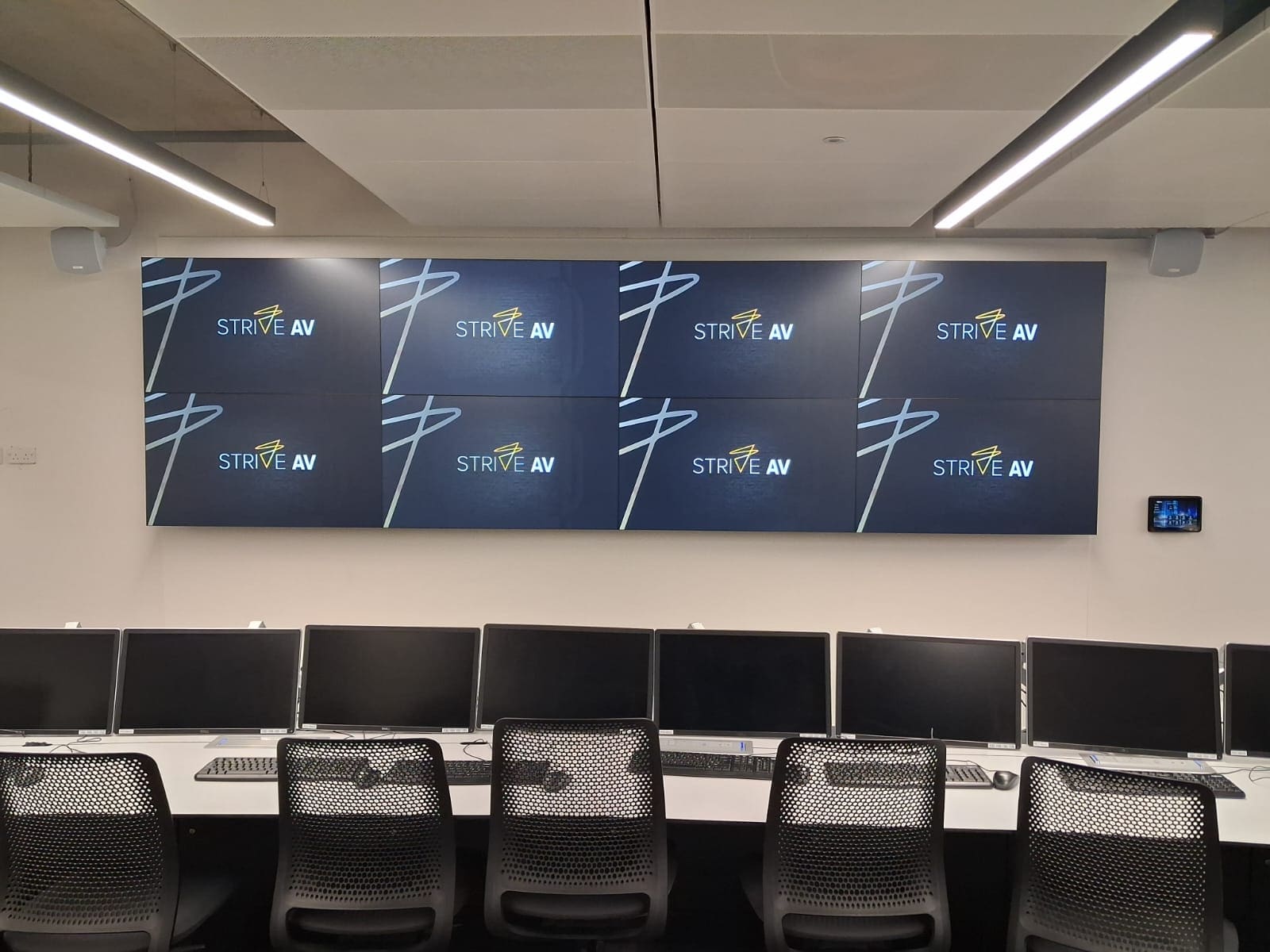
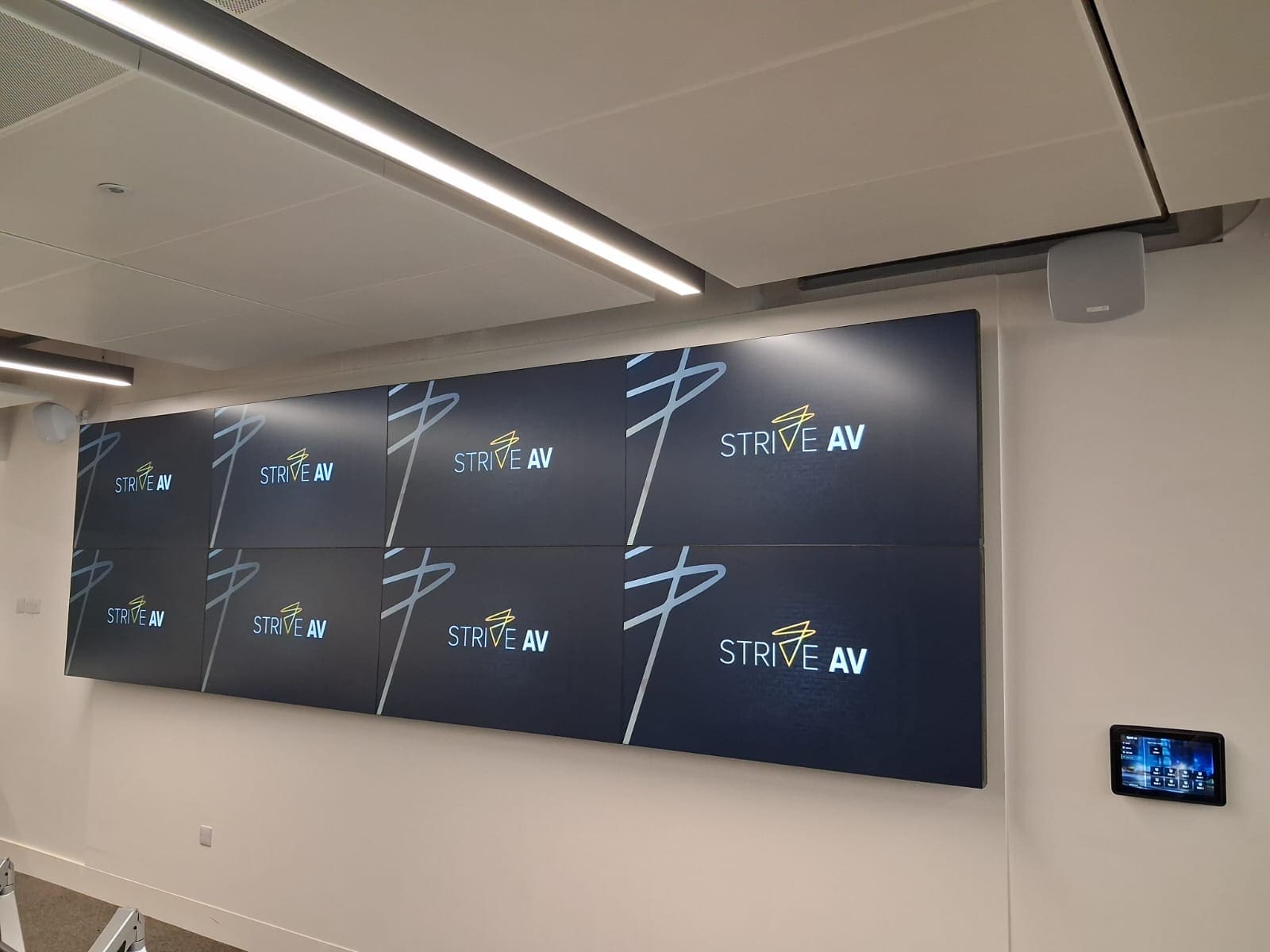
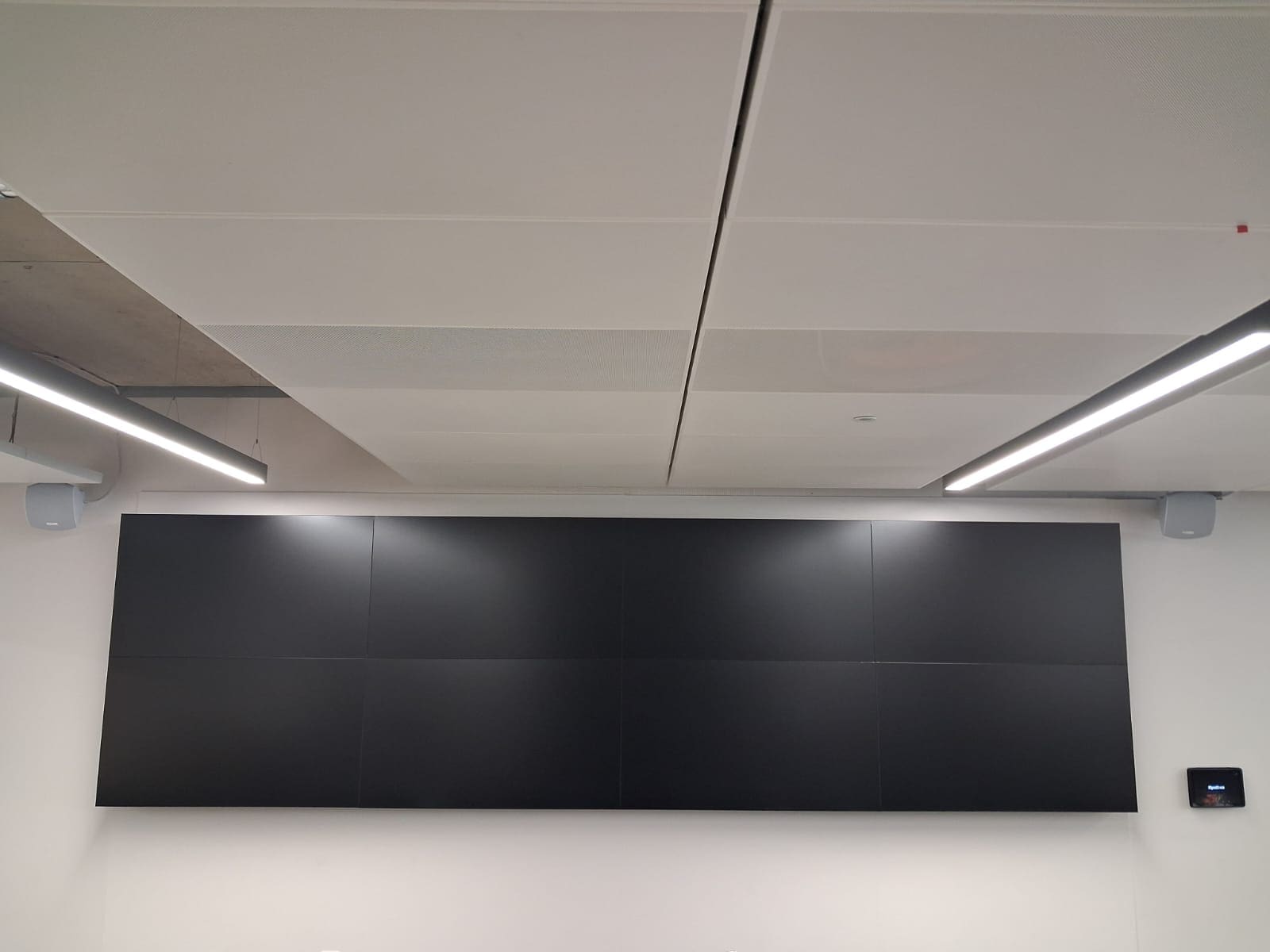
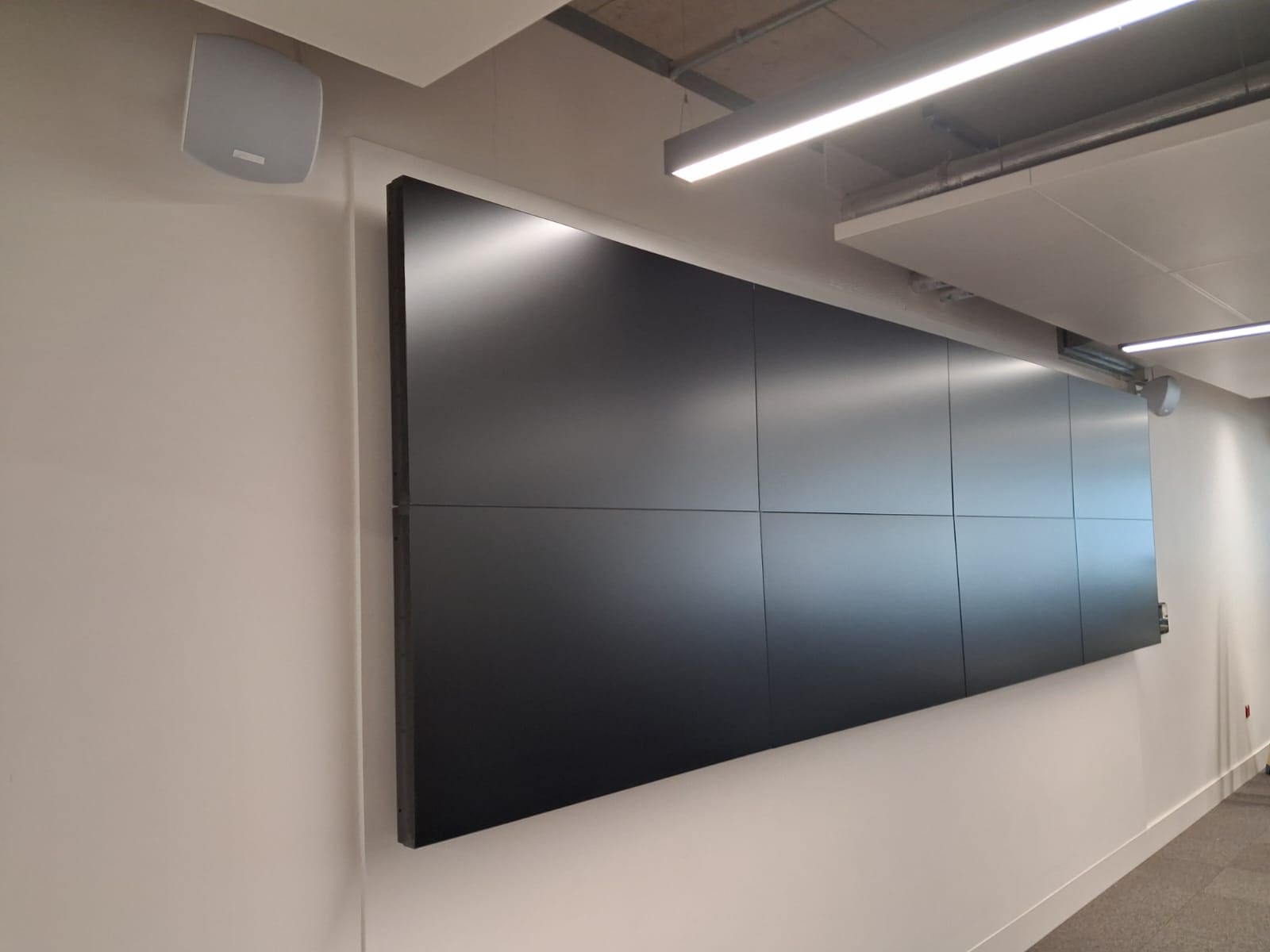
A 4x2 Philips video wall on WyreStorm AV over IP for the University of Bedfordshire's cyber security operations lab, with nine sources and four preset layouts on one touch panel.

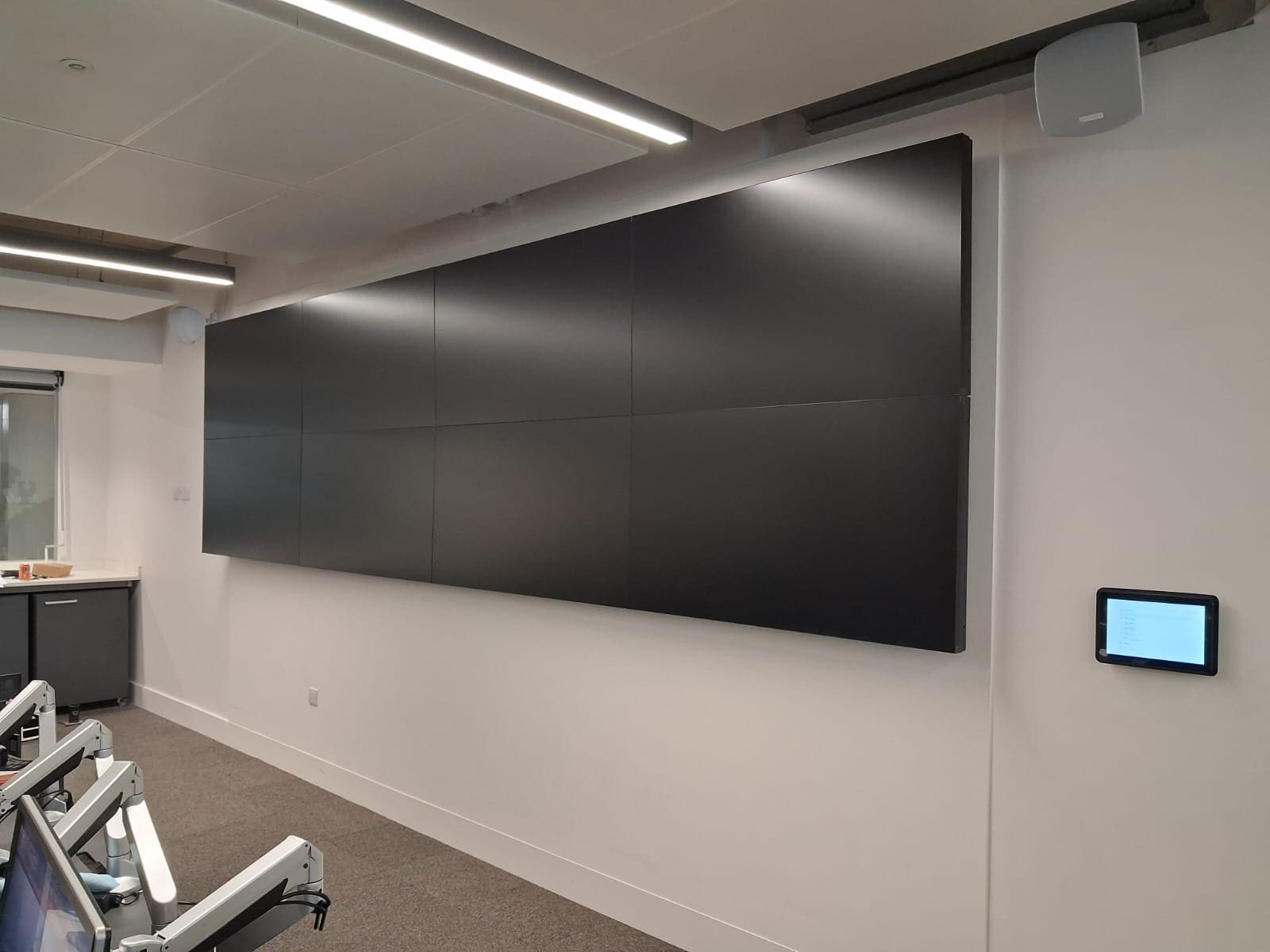
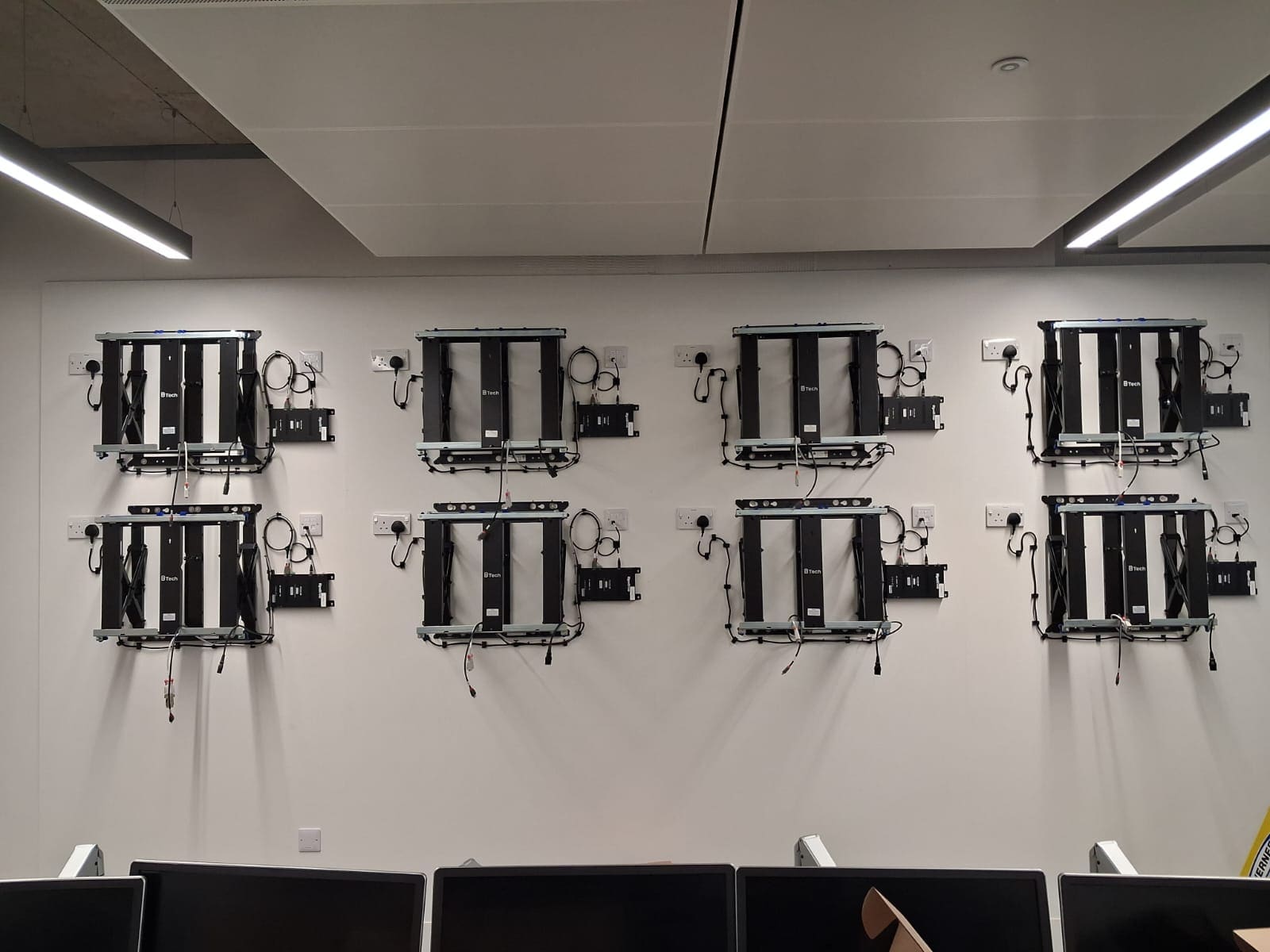
Quick reference: Security operations centre lab at the University of Bedfordshire, Luton campus: 8 Philips 55BDL3305X 55-inch displays in a 4x2 wall on B-Tech BT8312 pop-out mounts, 8 WyreStorm NHD-400-E encoder and decoder pairs with an NHD-CTL-PRO v2 controller, a SYN-TOUCH10 wall panel, 9 sources (8 SOC desk PCs plus the lectern) and 4 preset layouts, working alongside the room's existing NetworkHD and Extron system.
A video wall for a cyber security teaching lab
The challenge: a split room and an existing AV over IP system
Key Requirements
- •A 4x2 wall of 55-inch displays replacing one of two projectors
- •Any of nine sources (eight SOC PCs and the lectern) on any screen
- •Four preset layouts selected from a dedicated touch panel
- •Reuse of the room's existing WyreStorm NetworkHD and Extron equipment
- •Lectern relocated to the centre of the room with a second PC
- •Ready for the start of term on 1 September 2025
Eight displays, nine sources, four layouts
| Item | Detail |
|---|---|
| Display | 4x2 wall of Philips 55BDL3305X 55-inch displays |
| Sources | 8 SOC desk PCs plus the lectern (2 PCs switched in the lectern) |
| Distribution | WyreStorm NetworkHD 400 AV over IP, one encoder per source and one decoder per display |
| Control | WyreStorm SYN-TOUCH10 at the wall; existing Extron MLC 200 at the lectern |
| Layouts | 4 presets: central 2x2, one per screen, dual 2x2, left 2x2 plus four |
| Kept | Remaining projector, existing NetworkHD endpoints, Extron audio |
Featured Solution
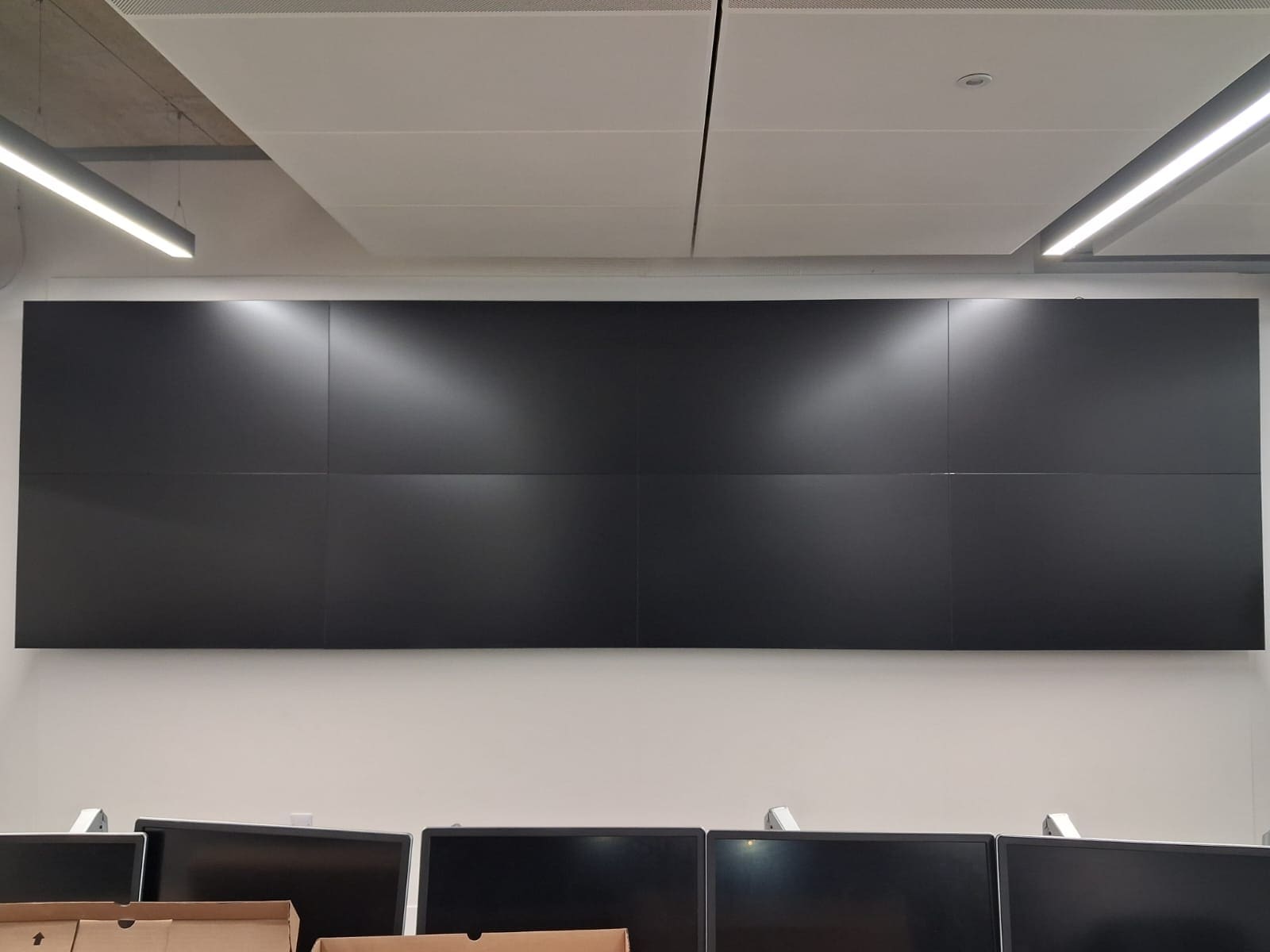
4x2 Philips video wall
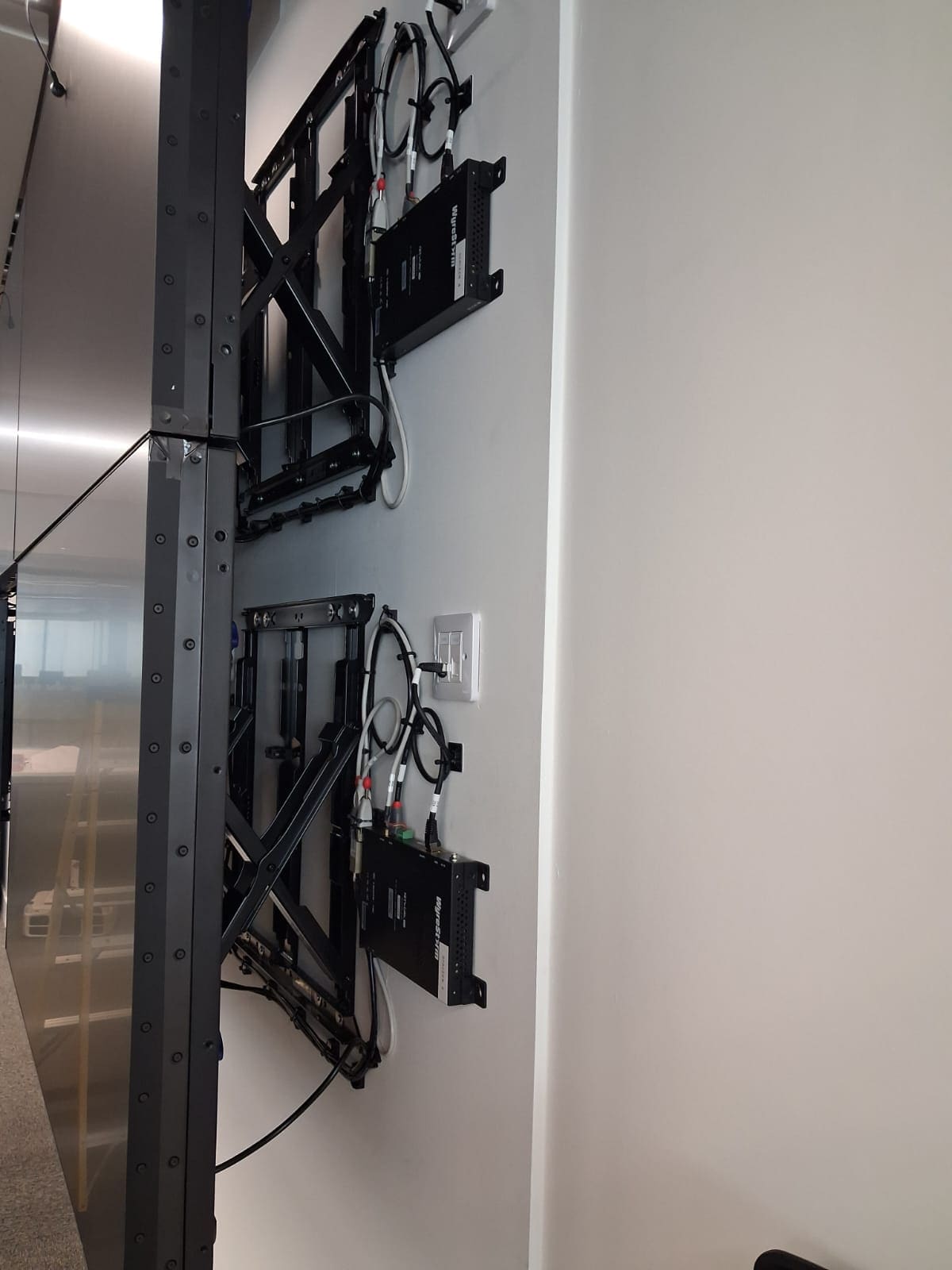
Eight Philips 55BDL3305X 55-inch displays on B-Tech BT8312 pop-out mounts, finished with Philips edge trim.
AV over IP, any source to any screen
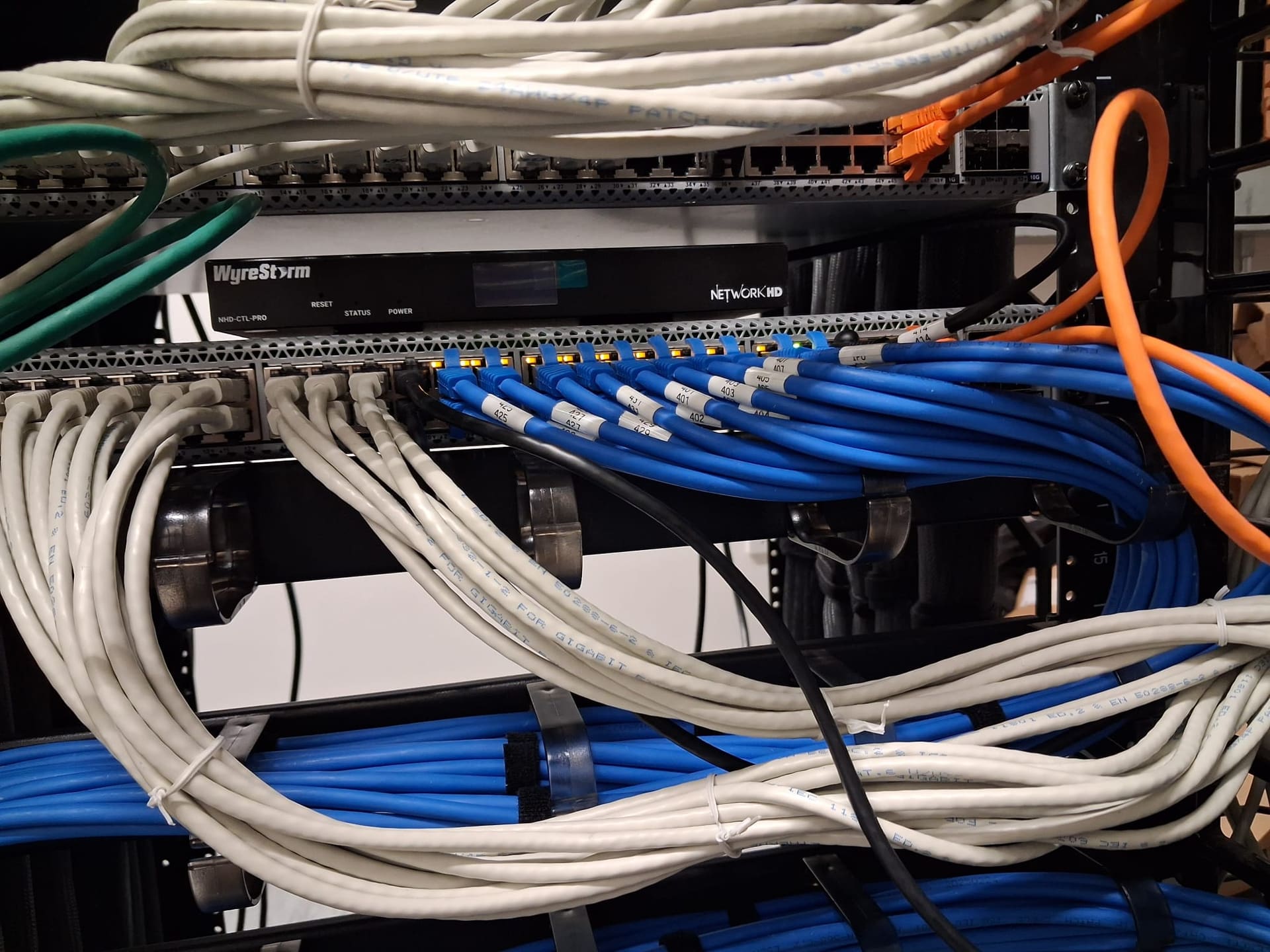
One WyreStorm NHD-400-E encoder per SOC PC and one decoder per display, routed by an NHD-CTL-PRO v2 controller.
Four layouts from one panel
A WyreStorm SYN-TOUCH10 panel beside the wall recalls the four layouts the university specified.
Existing system kept
The remaining projector, existing NetworkHD endpoints, Extron lectern switching and Extron audio were integrated, not replaced.
Questions about SOC and university video walls
Q.What is a security operations centre (SOC) lab video wall used for at a university?
A SOC lab recreates the monitoring room an organisation uses to watch its networks for cyber threats, so students can learn and practise in a realistic setting. The video wall lets a tutor put several analysts' screens up at once, or enlarge one screen so the whole class can follow it. At the University of Bedfordshire the wall shows any of eight SOC workstations or the lectern.
Q.How do you put any PC on any screen of a video wall?
Give every source its own AV over IP encoder and every display its own decoder, then route them over a network switch with a controller. Here each of the eight SOC PCs has a WyreStorm NHD-400-E-TX encoder, each of the eight displays has an NHD-400-E-RX decoder, and an NHD-CTL-PRO v2 controller stores the layouts that staff recall from a touch panel.
Q.Can a new video wall work with a room's existing AV over IP system?
Often, yes, if it uses the same platform. The SOC lab already ran WyreStorm NetworkHD, so the new NHD-400-E encoders and decoders were added alongside the existing endpoints, and the remaining projector, Extron lectern switching and Extron audio stayed in use.
Q.What layouts can a 4x2 video wall show?
Anything from one image per screen to one image across several. This wall has four presets: one source as a central 2x2 with others tiled around it; all eight sources one per screen; two sources side by side as two 2x2 images; and one source as a 2x2 on the left with four chosen sources on the right.
Project Gallery
Trusted AV Partner to Leading Organisations